Photo Edit (free-text)
Describe any change in plain English and it's applied to an existing photo — everything you didn't mention stays identical. The one tool where you aren't limited to a fixed set of controls.
toolId: "photo_edit"
4 credits
single_image_edit
ratio: ignored — in-place edit
What it does
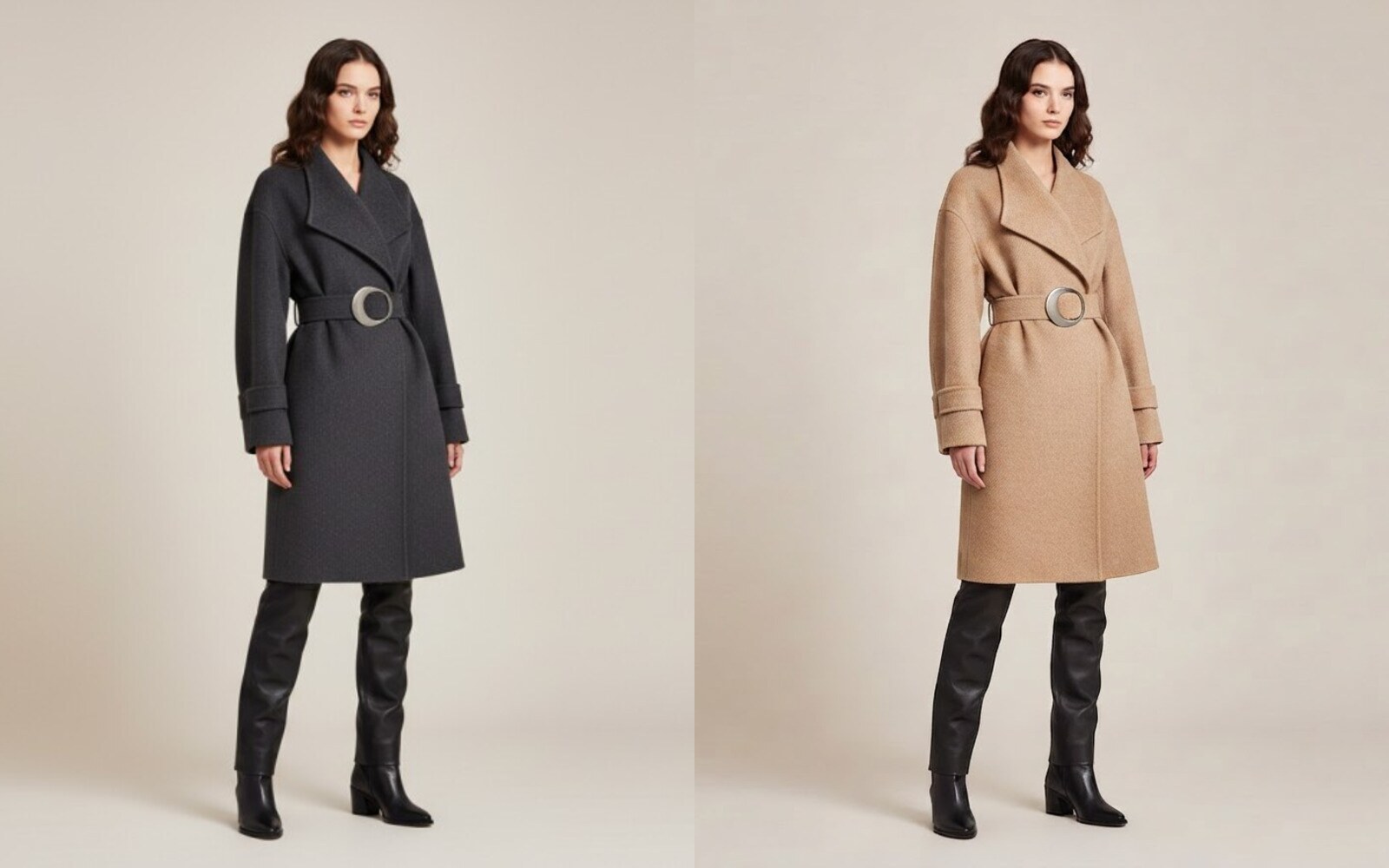
You supply a source photo and a plain-English instruction — e.g. "change the background to a beige studio wall" or "remove the necklace" — and Fashio applies exactly that change while preserving the original frame. Like Pose Variation or Model Swap, this is an in-place edit: the same subject, composition and everything else that wasn't called out in the instruction come through unchanged. There's no fixed menu of selectors here; the instruction text is the control surface.
Request body
| Field | Type | Description | |
|---|---|---|---|
toolId | string | required | Always "photo_edit". |
images.user_photo | string | required | URL of the source photo to edit (from POST /v1/uploads or your own hosting). |
customPrompt | string | required | Plain-English instruction describing the change to apply, e.g. "change the background to a beige studio wall" or "remove the necklace". |
Example request
curl -X POST https://api.fashiolabs.com/v1/generations \
  -H "Authorization: Bearer fio_live_YOUR_KEY" \
  -H "Content-Type: application/json" \
  -d '{
    "toolId": "photo_edit",
    "images": {
      "user_photo": "https://your-cdn.com/photo.jpg"
    },
    "customPrompt": "change the background to a beige studio wall"
  }'
const res = await fetch("https://api.fashiolabs.com/v1/generations", {
method: "POST",
headers: {
Authorization: "Bearer " + process.env.FASHIO_API_KEY,
"Content-Type": "application/json",
},
body: JSON.stringify({
toolId: "photo_edit",
images: {
user_photo: "https://your-cdn.com/photo.jpg",
},
customPrompt: "change the background to a beige studio wall",
}),
});
const { id } = await res.json();import os, requests
res = requests.post(
"https://api.fashiolabs.com/v1/generations",
headers={"Authorization": f"Bearer {os.environ['FASHIO_API_KEY']}"},
json={
"toolId": "photo_edit",
"images": {
"user_photo": "https://your-cdn.com/photo.jpg",
},
"customPrompt": "change the background to a beige studio wall",
},
)
job_id = res.json()["id"]Response
{ "success": true, "id": "8b1e...", "status": "processing" }Poll GET /v1/generations/:id (see Quickstart) until it completes:
{
  "success": true,
  "id": "8b1e...",
  "status": "completed",
  "resultUrls": ["https://.../result.jpg"],
  "errorMessage": null
}
Common errors
| Status | Meaning |
|---|---|
| 400 | photo_edit: missing required image "user_photo" — required image field wasn't resolvable. |
| 402 | Insufficient diamonds. Required 4, have <n>. |
| 429 | Daily request cap reached for this key — see Rate Limits. |
Related tools
- Pose Variation — same in-place editing model, applied to pose specifically.
- Model Swap — change who's wearing an existing photo instead.