Introduction
The Fashio API generates on-model e-commerce fashion photos and video from a product photo — the same engine that powers the Fashio app, exposed as a REST API and billed from the same credit (diamond) balance.
/openapi.yaml and summarized for LLMs at /llms-full.txt.
How does the API work?
Every request is authenticated with a bearer API key tied to your Fashio account
(Authentication). Generation is asynchronous: you
POST /v1/generations with a toolId and your image URLs, the API deducts
diamonds up front and returns 202 Accepted with a job id immediately, and
the actual image or video renders in the background — usually 10–60 seconds. Poll
GET /v1/generations/:id until status is completed (or
failed, which auto-refunds the diamonds) and read the result from
resultUrls.
Product photos, model photos, or reframe/upscale/background-removal targets all go in the same way:
upload raw bytes to POST /v1/uploads first (or host the image yourself and pass a
public URL directly) — see Core Endpoints.
Which tool should I use?
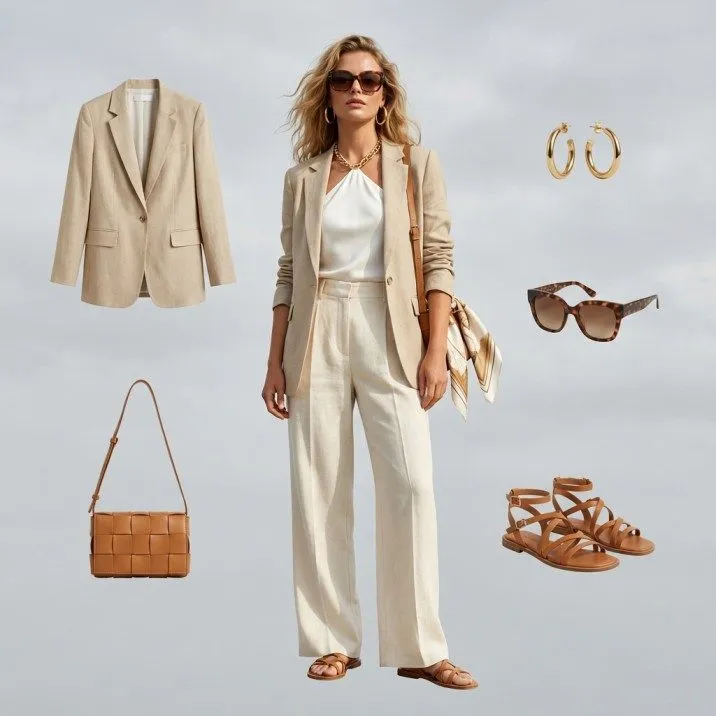
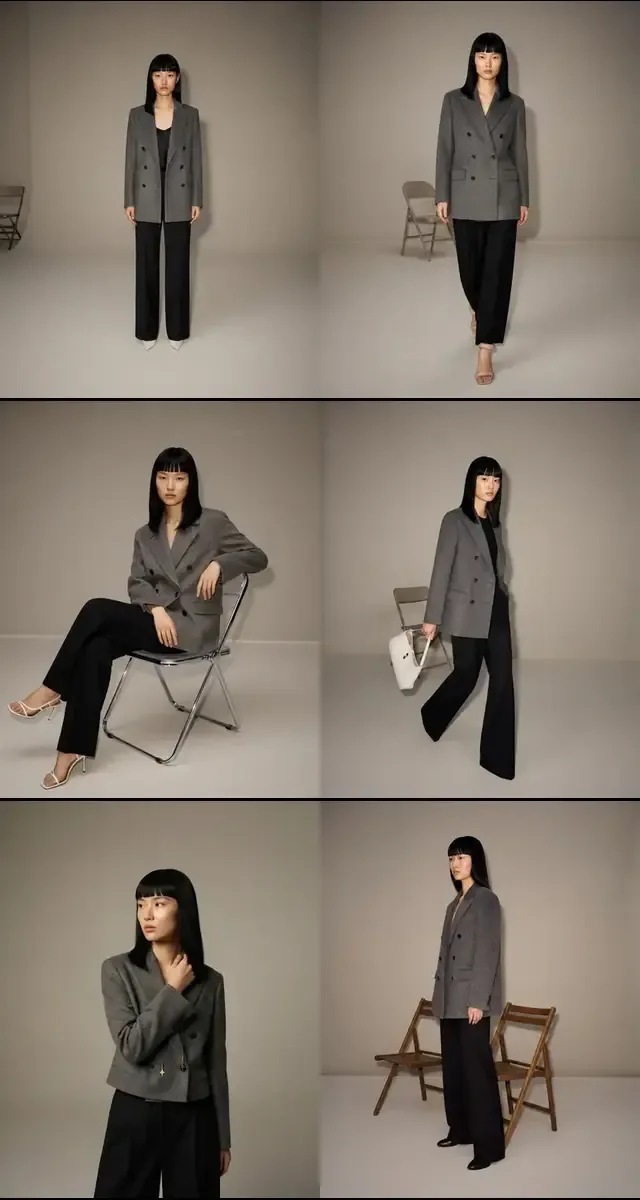
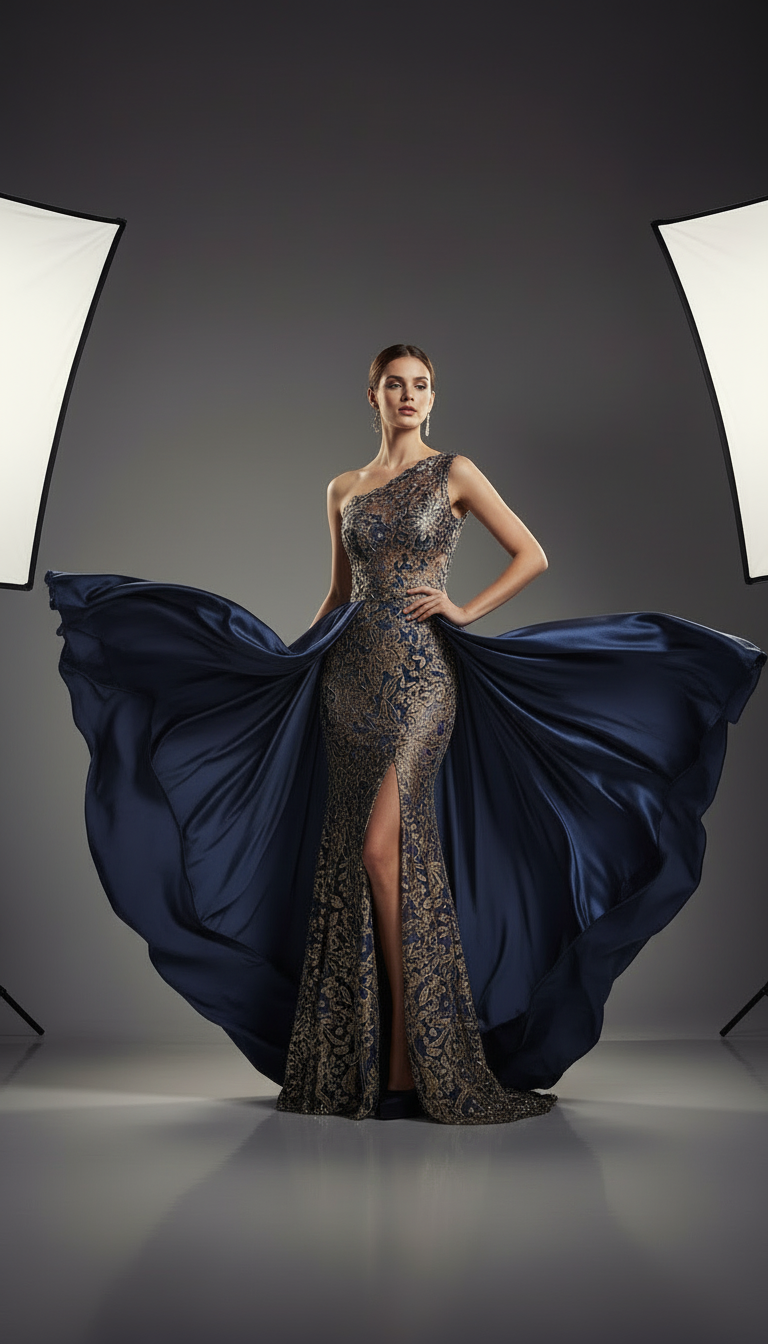
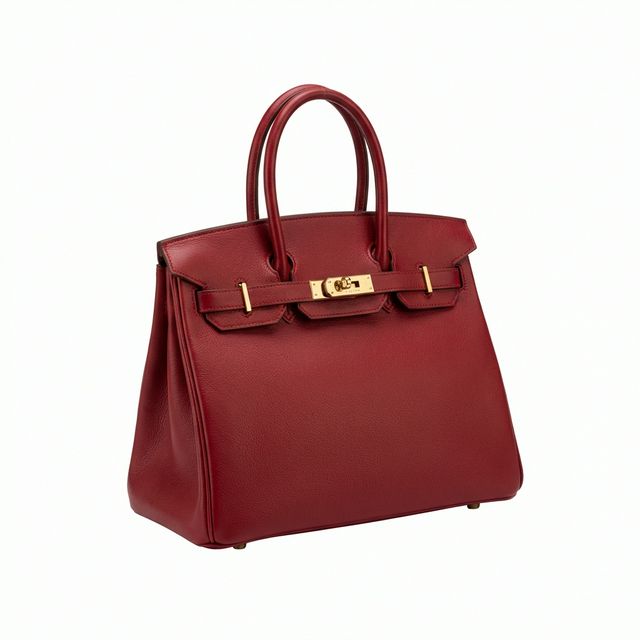
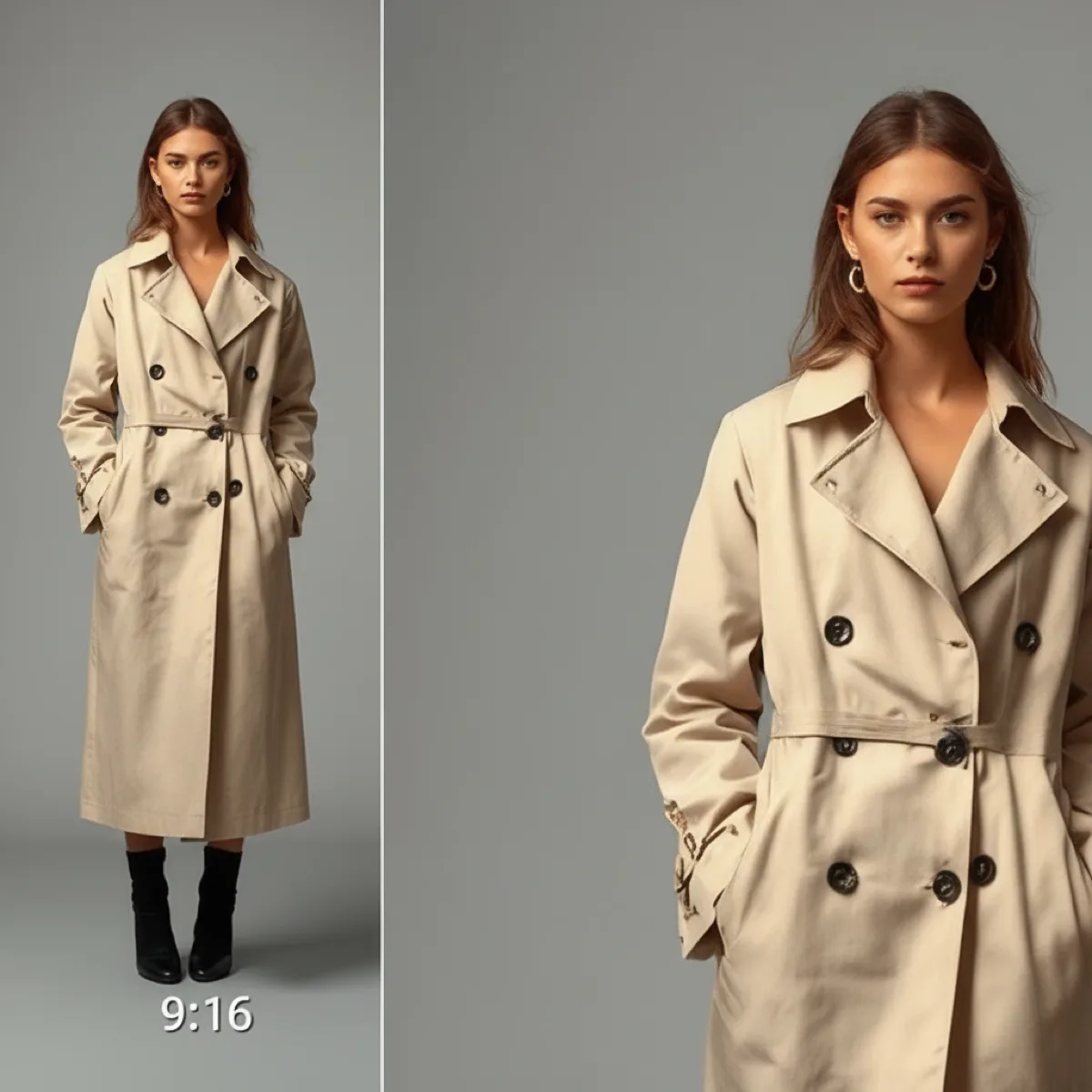
Fifteen generation tools cover on-model photography, catalog packs, video, and single-image edits. Each has its own dedicated page with the exact request shape and a runnable example.
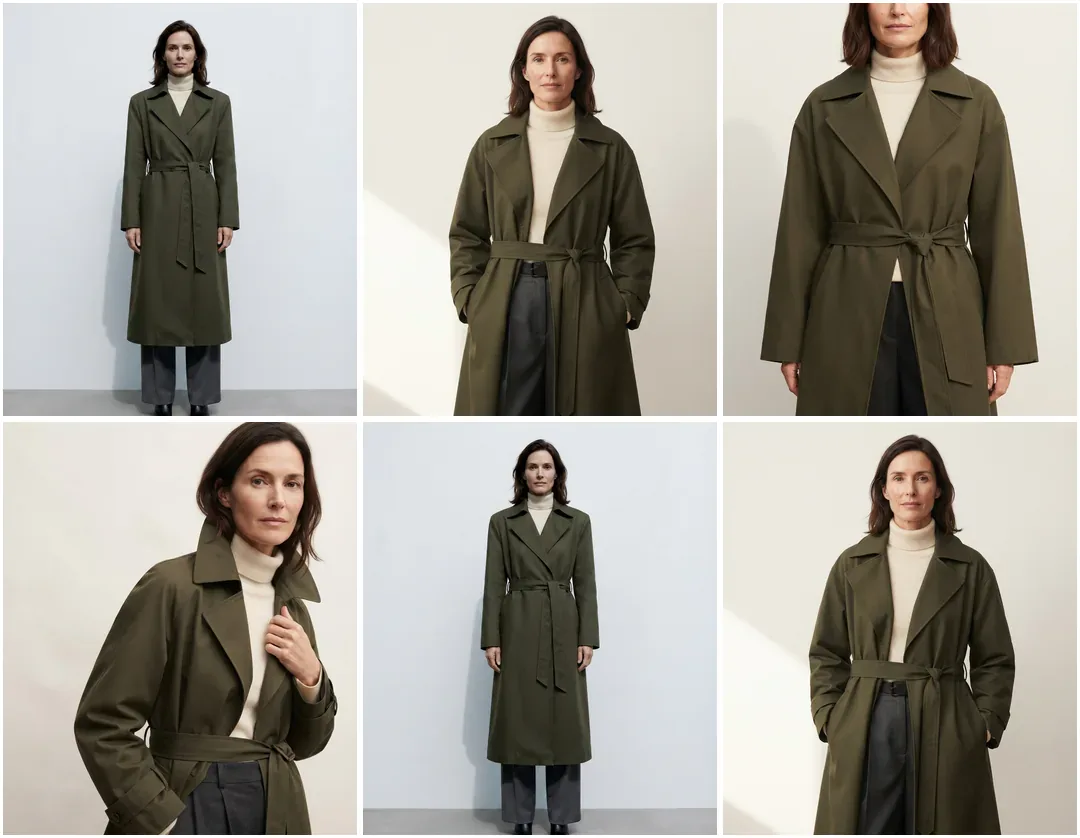
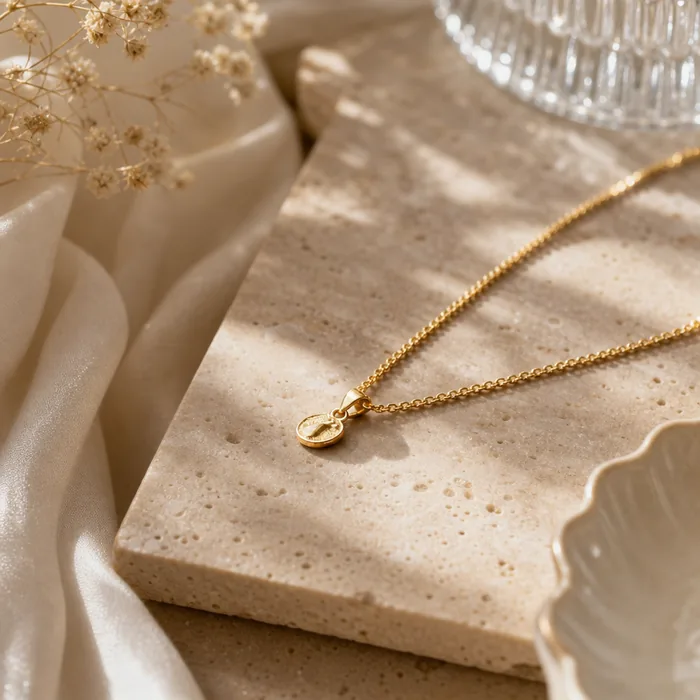
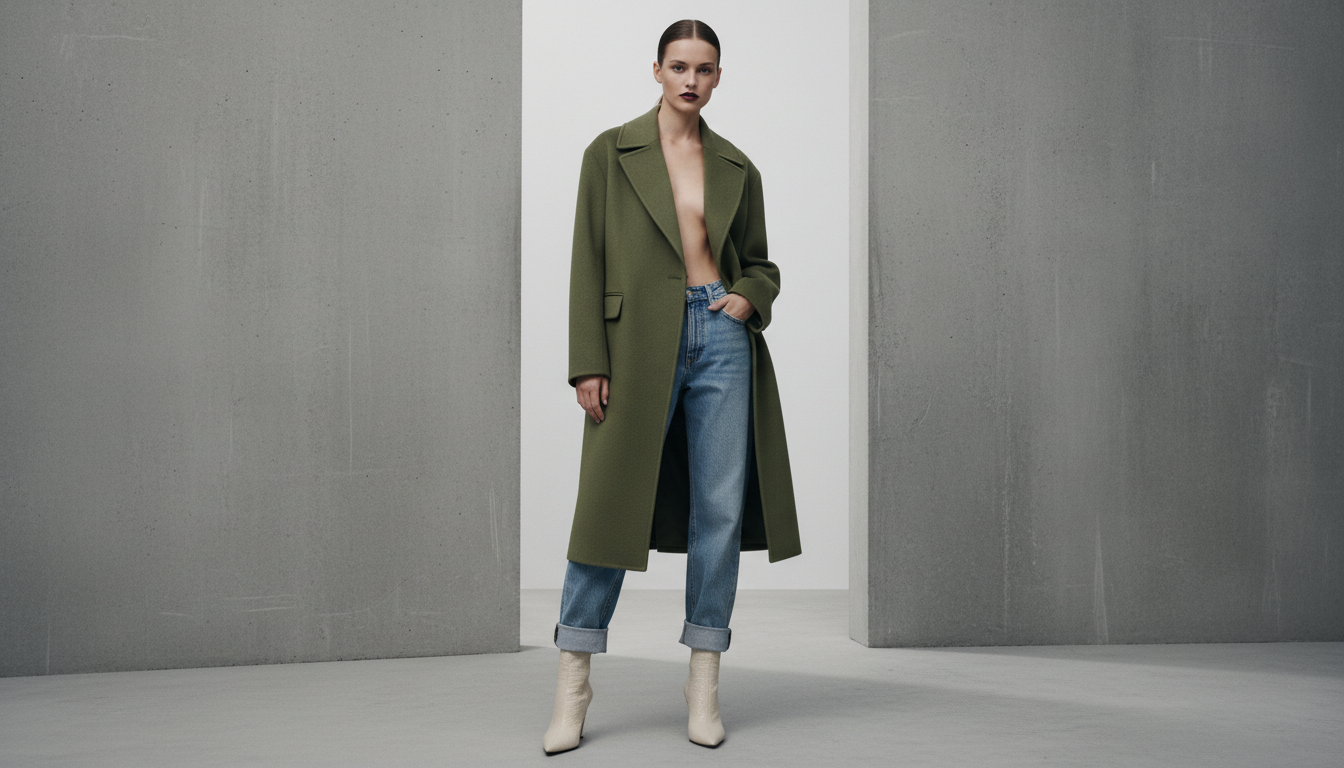
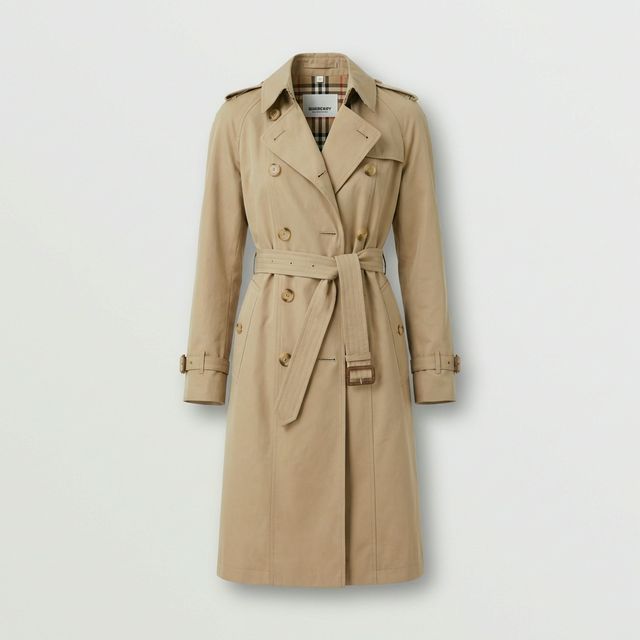
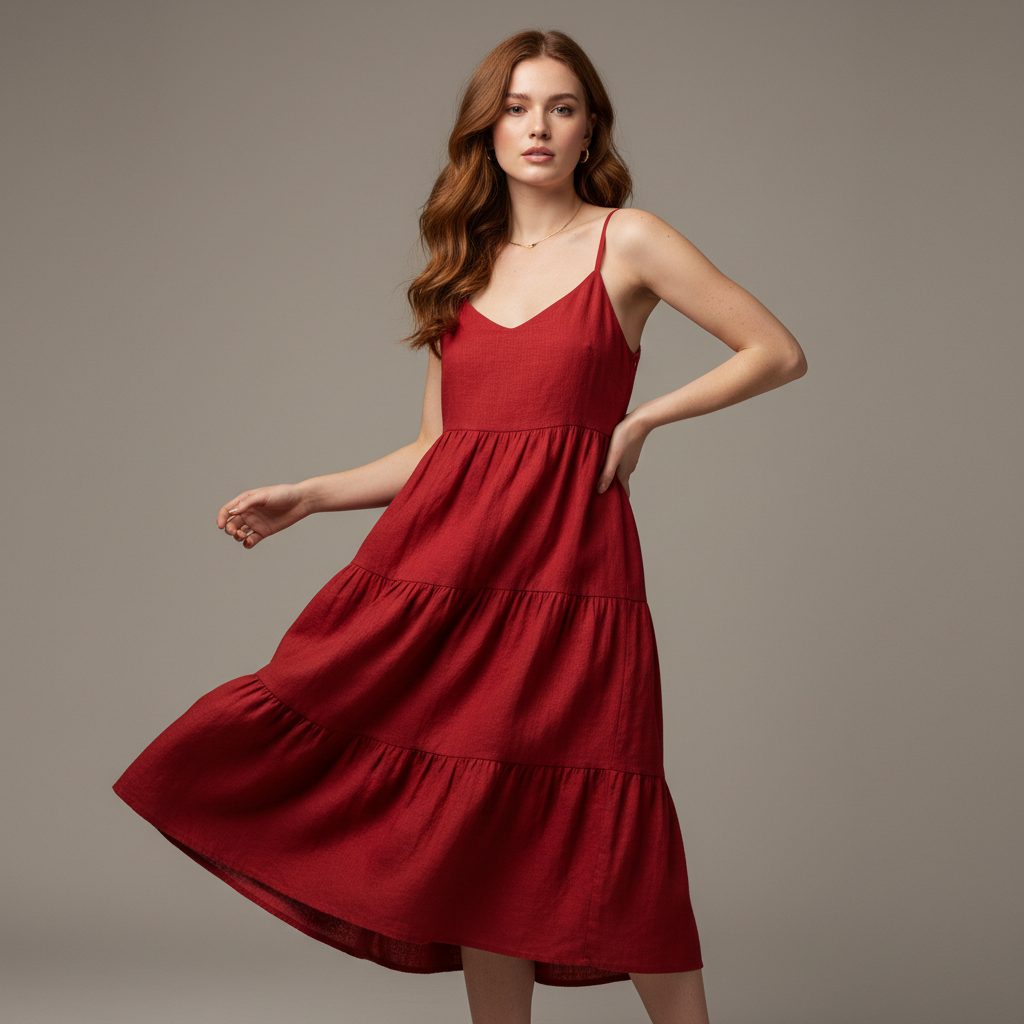
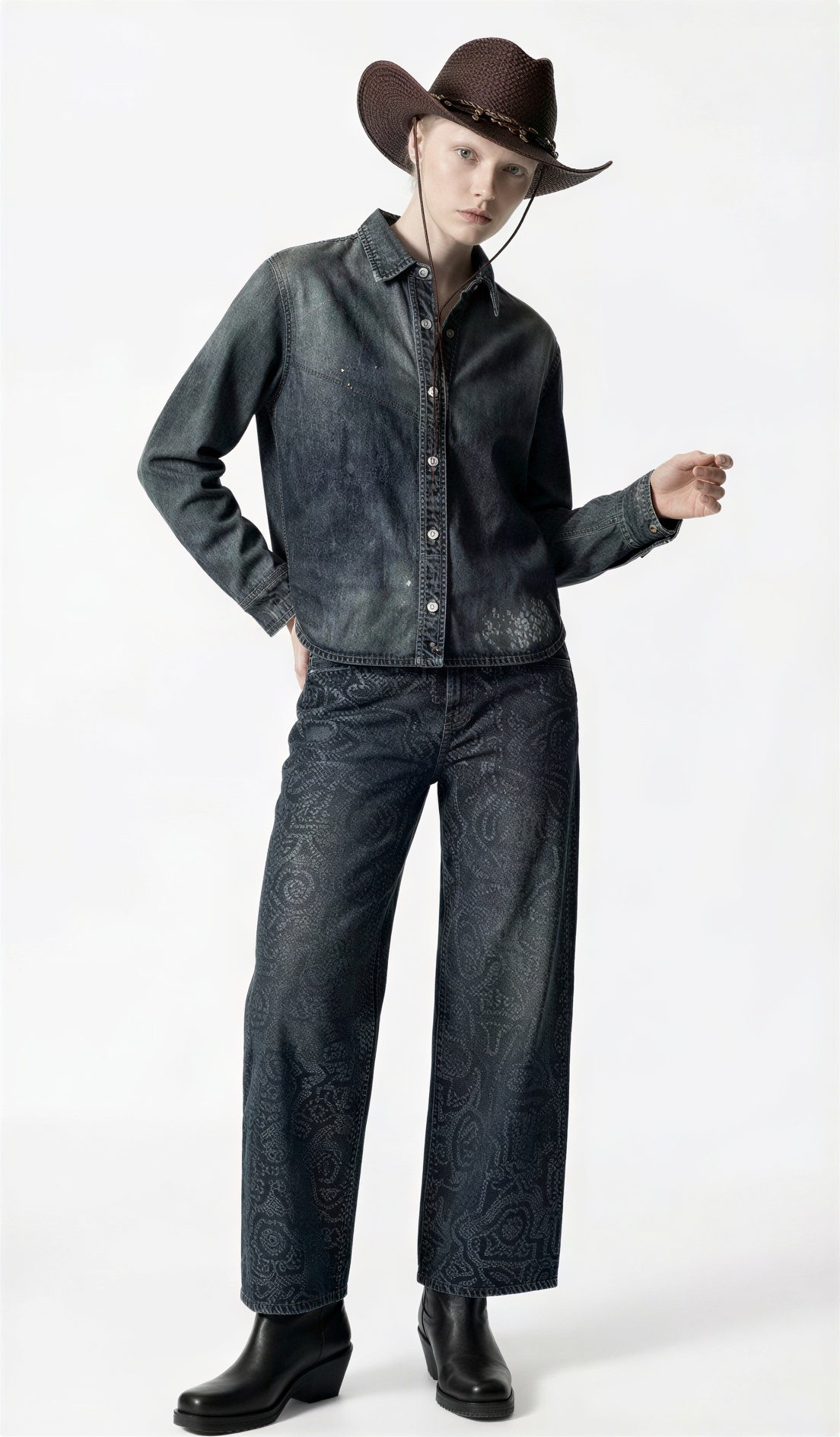
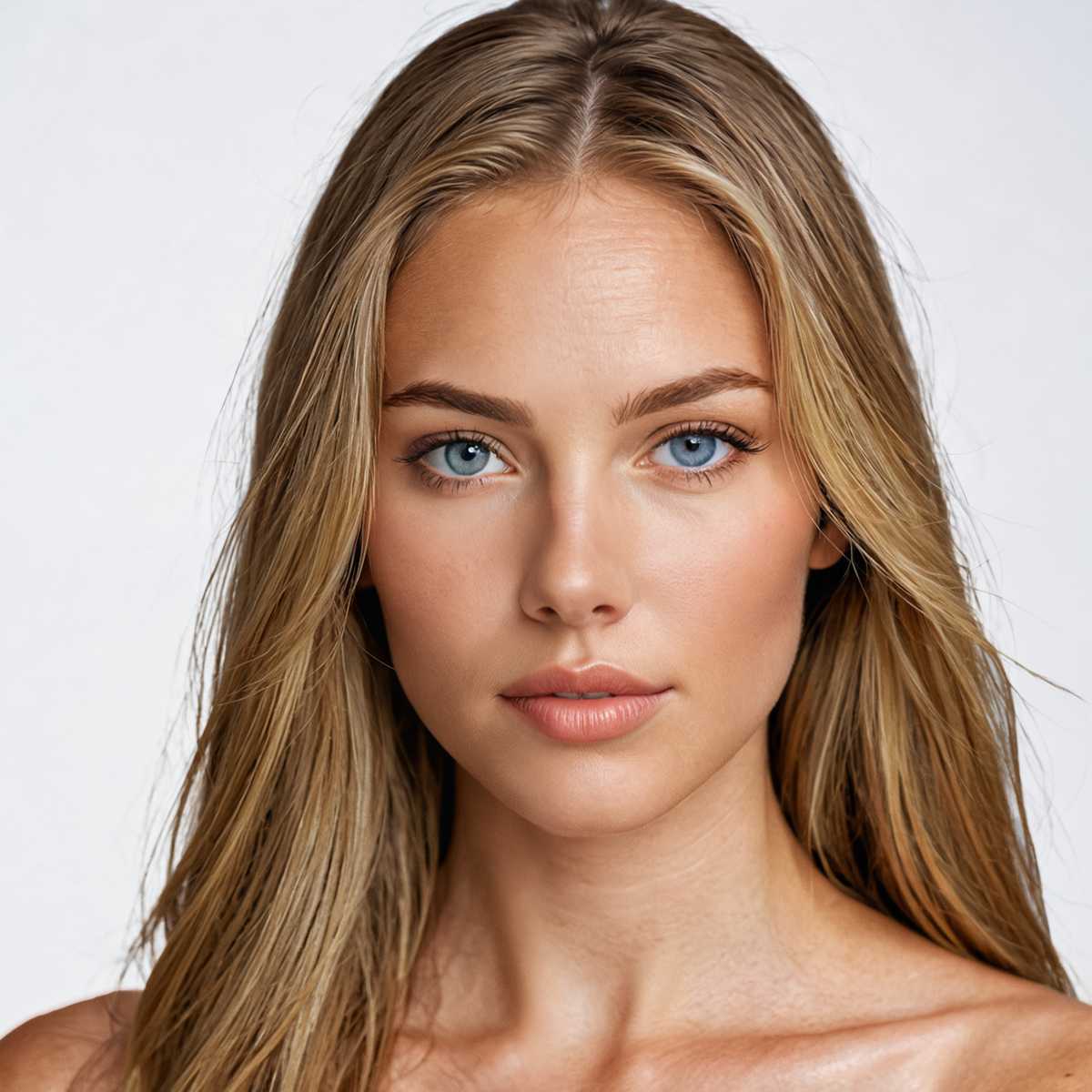
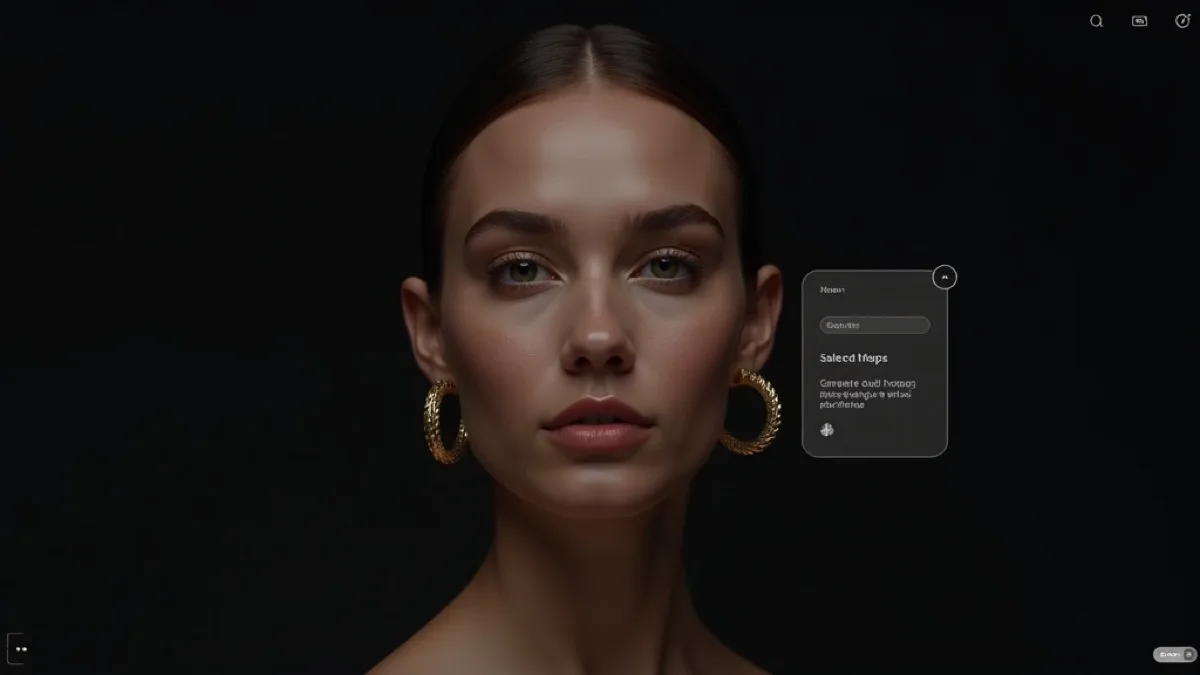
Will the API alter my product photos?
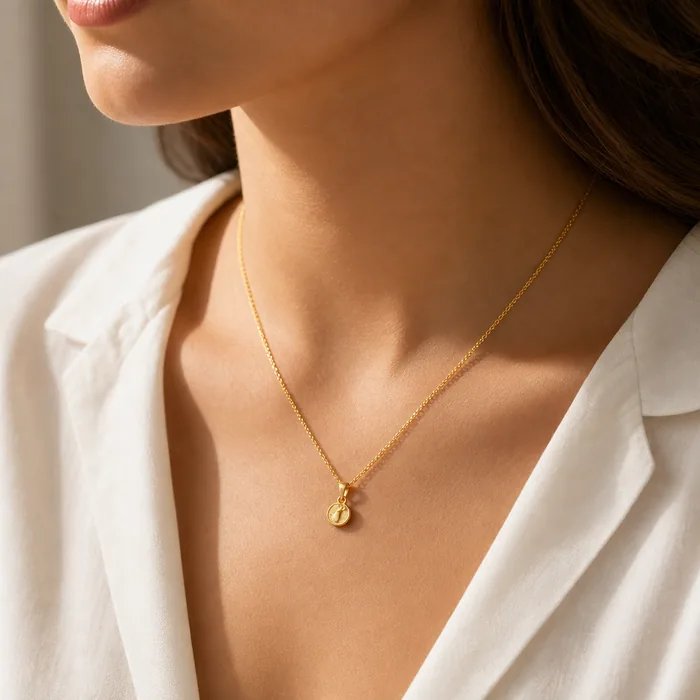
Every tool is an edit, not a redraw. The prompts behind each endpoint are written to preserve the garment exactly — cut, print, hardware, logos — and only change what the tool is named for (pose, model, background, crop, resolution). See each tool's page for what it's guaranteed to keep identical.
Make your first API call
curl https://api.fashiolabs.com/v1/models \
  -H "Authorization: Bearer fio_live_YOUR_KEY"
Full walkthrough — key, upload, generate, poll — in Quickstart.
fashio-client
(Node.js/TypeScript SDK),
fashio-cli
(command line, for scripts/CI), or
fashio-mcp
(for AI agents — see fashiolabs.com/mcp).