Photo to Video
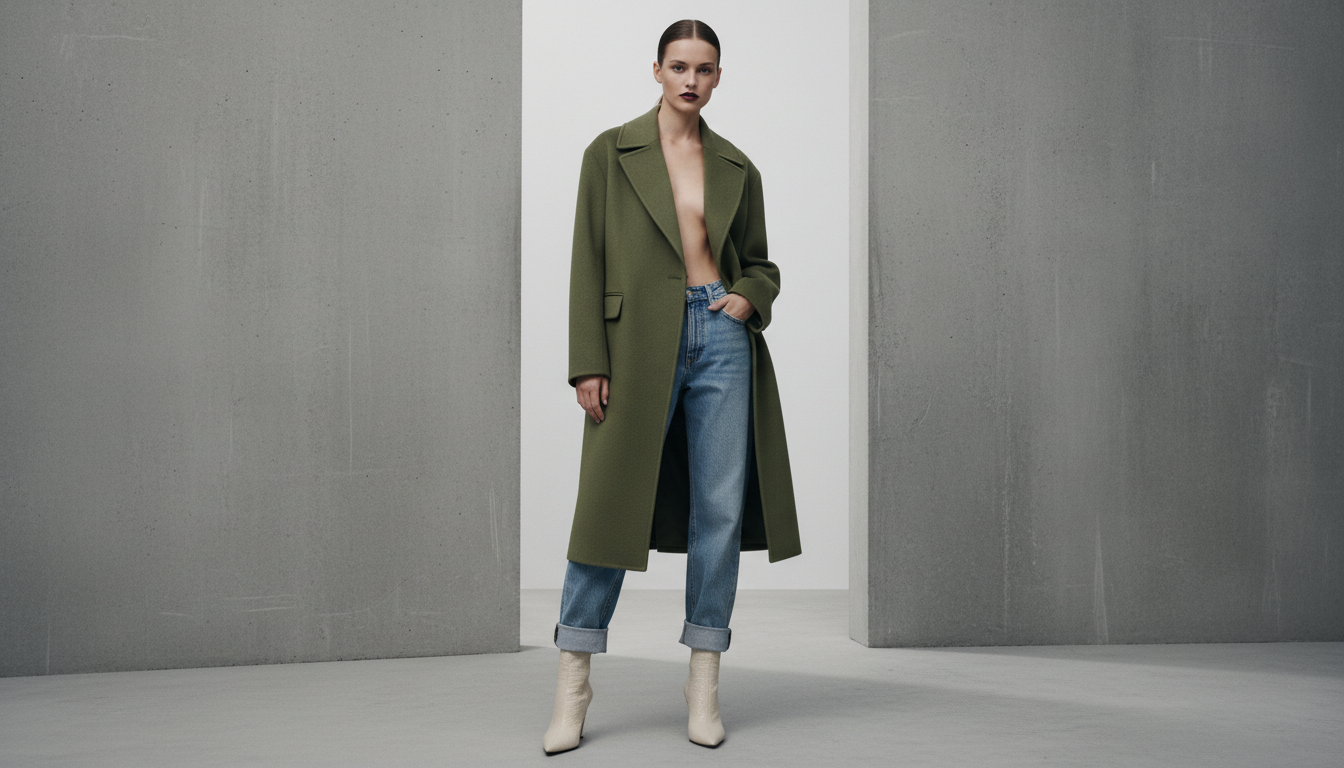
Animate a single on-model or product photo into a short video clip — the photo you send becomes the first frame, and the clip plays out from there.
toolId: "ai_videos"
15 credits
video
no ratio — inherits source framing
What it does
This tool doesn't re-render anything — the photo you upload is the first frame of the output
video. Whatever garment, model and framing you see in that photo is exactly what animates, so there's no
risk of the product drifting between the still and the clip. Because of that, ai_videos has
no ratio field: the video simply inherits the source photo's framing. That's a deliberate
constraint, not a gap — it's what keeps the animated result faithful to the image you approved.
Request body
| Field | Type | Description | |
|---|---|---|---|
toolId | string | required | Always "ai_videos". |
images.user_photo | string | required | URL of the still photo to animate — an on-model or product shot. This becomes the video's first frame. |
motionPrompt | string | optional | Free-text description of the motion or camera move, e.g. "she turns slowly to show the back of the jacket". Omit it and Fashio applies a generic natural motion. |
duration | number | optional | Clip length in seconds. Defaults to 5. Check GET /v1/models for the currently supported range — it can change as the underlying video model changes. |
Example request
curl -X POST https://api.fashiolabs.com/v1/generations \
  -H "Authorization: Bearer fio_live_YOUR_KEY" \
  -H "Content-Type: application/json" \
  -d '{
    "toolId": "ai_videos",
    "images": {
      "user_photo": "https://your-cdn.com/on-model-shot.jpg"
    },
    "motionPrompt": "she turns slowly to show the back of the jacket",
    "duration": 5
  }'
const res = await fetch("https://api.fashiolabs.com/v1/generations", {
method: "POST",
headers: {
Authorization: "Bearer " + process.env.FASHIO_API_KEY,
"Content-Type": "application/json",
},
body: JSON.stringify({
toolId: "ai_videos",
images: {
user_photo: "https://your-cdn.com/on-model-shot.jpg",
},
motionPrompt: "she turns slowly to show the back of the jacket",
duration: 5,
}),
});
const { id } = await res.json();import os, requests
res = requests.post(
"https://api.fashiolabs.com/v1/generations",
headers={"Authorization": f"Bearer {os.environ['FASHIO_API_KEY']}"},
json={
"toolId": "ai_videos",
"images": {
"user_photo": "https://your-cdn.com/on-model-shot.jpg",
},
"motionPrompt": "she turns slowly to show the back of the jacket",
"duration": 5,
},
)
job_id = res.json()["id"]Response
{ "success": true, "id": "8b1e...", "status": "processing" }Poll GET /v1/generations/:id (see Quickstart) until it completes. For this tool,
resultUrls contains one .mp4 URL rather than an image:
{
  "success": true,
  "id": "8b1e...",
  "status": "completed",
  "resultUrls": ["https://.../result.mp4"],
  "errorMessage": null
}
Common errors
| Status | Meaning |
|---|---|
| 400 | ai_videos: missing required image "user_photo" — required image field wasn't resolvable. |
| 402 | Insufficient diamonds. Required 15, have <n>. |
| 429 | Daily request cap reached for this key — see Rate Limits. |
Related tools
- Virtual Try-On (Single) — generate the on-model photo first, then animate it.