Generation Tools
Jewelry E-com Pack
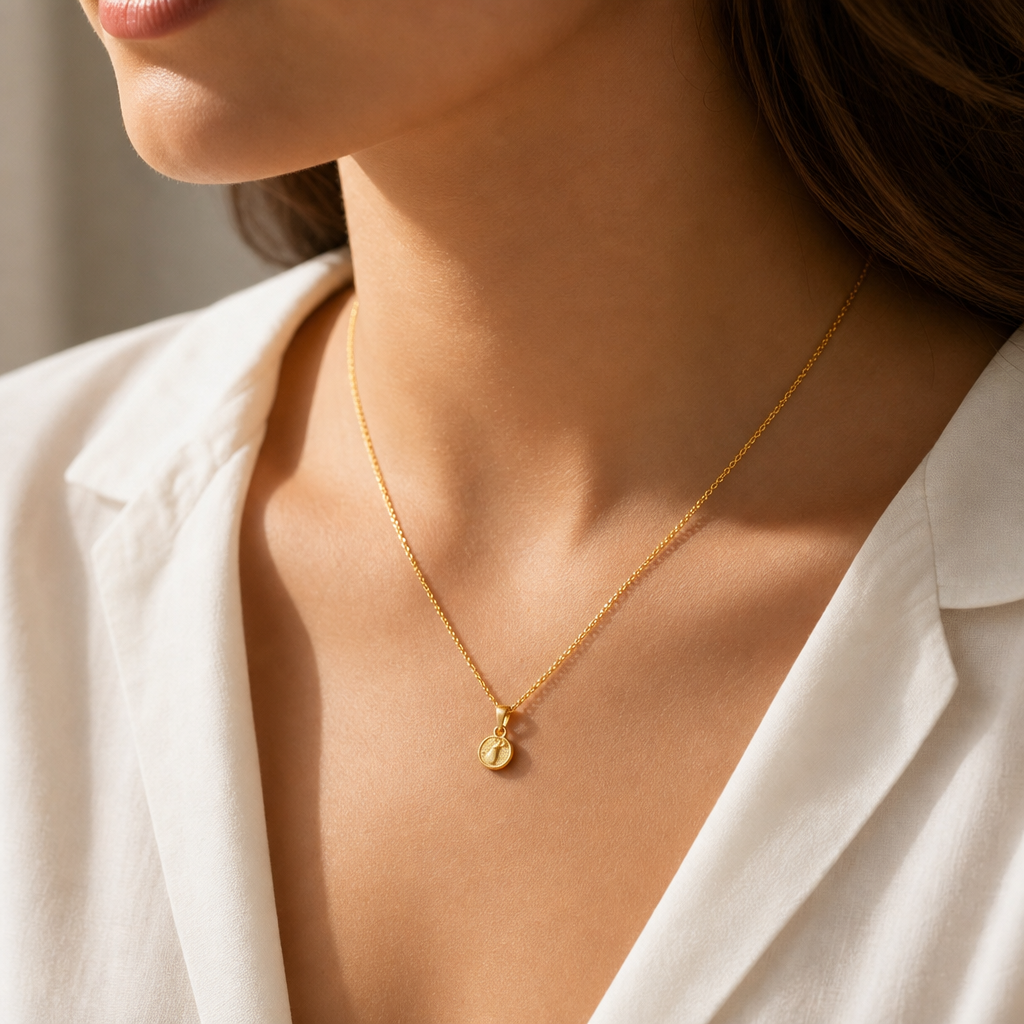
One jewelry product photo in, a full set of ready-to-publish formats out — catalogue, lifestyle and on-model shots, from a single request.
toolId: "jewelry_ecom_pack"
12 credits
fanout_pack
ratio: global (default 1:1)
What it does
Same fan-out idea as Clothing E-com Pack, but for a jewelry product photo — one macro/product shot in, a full set of catalogue/lifestyle/on-model formats out.
Request body
| Field | Type | Description | |
|---|---|---|---|
toolId | string | required | Always "jewelry_ecom_pack". |
images.user_photo | string | required | The jewelry product photo. |
images.fashion_model | string | optional | A catalog ID from GET /v1/fashion-models, or a direct image URL. Include for on-model shots in the pack. |
ratio | string | optional | One of 1:1, 4:5, 3:4, 9:16, 16:9. Defaults to 1:1. |
Example request
curl -X POST https://api.fashiolabs.com/v1/generations \
  -H "Authorization: Bearer fio_live_YOUR_KEY" \
  -H "Content-Type: application/json" \
  -d '{
    "toolId": "jewelry_ecom_pack",
    "images": {
      "user_photo": "https://your-cdn.com/gold-necklace.jpg",
      "fashion_model": "fm_south_asian_01"
    },
    "ratio": "1:1"
  }'
const res = await fetch("https://api.fashiolabs.com/v1/generations", {
method: "POST",
headers: {
Authorization: "Bearer " + process.env.FASHIO_API_KEY,
"Content-Type": "application/json",
},
body: JSON.stringify({
toolId: "jewelry_ecom_pack",
images: {
user_photo: "https://your-cdn.com/gold-necklace.jpg",
fashion_model: "fm_south_asian_01",
},
ratio: "1:1",
}),
});
const { id } = await res.json();import os, requests
res = requests.post(
"https://api.fashiolabs.com/v1/generations",
headers={"Authorization": f"Bearer {os.environ['FASHIO_API_KEY']}"},
json={
"toolId": "jewelry_ecom_pack",
"images": {
"user_photo": "https://your-cdn.com/gold-necklace.jpg",
"fashion_model": "fm_south_asian_01",
},
"ratio": "1:1",
},
)
job_id = res.json()["id"]Response
202 Accepted
{ "success": true, "id": "8b1e...", "status": "processing" }Poll GET /v1/generations/:id (see Quickstart) until it completes. This is a fan-out tool, so resultUrls can contain several entries — one per generated format:
200 · completed
{
  "success": true,
  "id": "8b1e...",
  "status": "completed",
  "resultUrls": [
    "https://.../catalogue.jpg",
    "https://.../lifestyle.jpg",
    "https://.../onmodel.jpg"
  ],
  "errorMessage": null
}
Common errors
| Status | Meaning |
|---|---|
| 400 | jewelry_ecom_pack: missing required image "user_photo" — required image field wasn't resolvable. |
| 402 | Insufficient diamonds. Required 12, have <n>. |
| 429 | Daily request cap reached for this key — see Rate Limits. |
Related tools
- Clothing E-com Pack — same fan-out idea, for clothing.
- Jewelry on Model — a single on-model shot instead of a full pack.